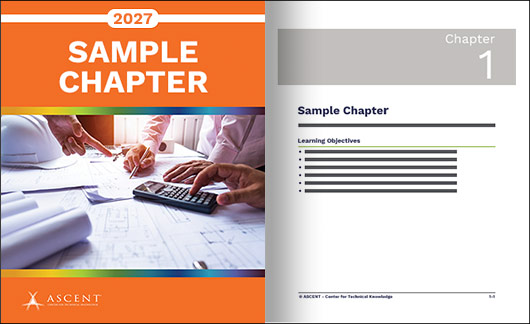


Total Number of Pages: 602
Total Hours: 24
AutoCAD® 2027: Essentials is designed for users working with AutoCAD® 2027 on a Windows operating system. This content does not apply to AutoCAD for Mac software.
The objective of this course is to enable you to create, modify, and work with 2D drawings using the AutoCAD software. The course material focuses on the core topics needed to use the software effectively. You will start by learning basic tools for drawing and editing 2D designs, then move on to annotation tools for adding text, hatching, dimensions, and tables. You will also be introduced to advanced features like blocks and setting up layouts to boost your productivity. This course does not cover every command or option, as the intent is to highlight the most essential tools and concepts in AutoCAD.
Topics Covered
• Understanding the AutoCAD workspace and user interface
• Using basic drawing, editing, and viewing tools
• Organizing drawing objects on layers
• Using reusable symbols (blocks)
• Preparing a layout to be plotted
• Adding text, hatching, and dimensions
Prerequisites
• Access to the 2027.0 version of the software, to ensure compatibility with this learning content. Future software updates that are released by Autodesk may include changes that are not reflected in this content. The practices and files included are not compatible with prior versions of the software (e.g., 2026).
• A working knowledge of basic design/drafting procedures and terminology.
• A working knowledge of your operating system.
Course material includes access to practice files. Printed guides are coil bound and printed in black and white with images in grayscale.